



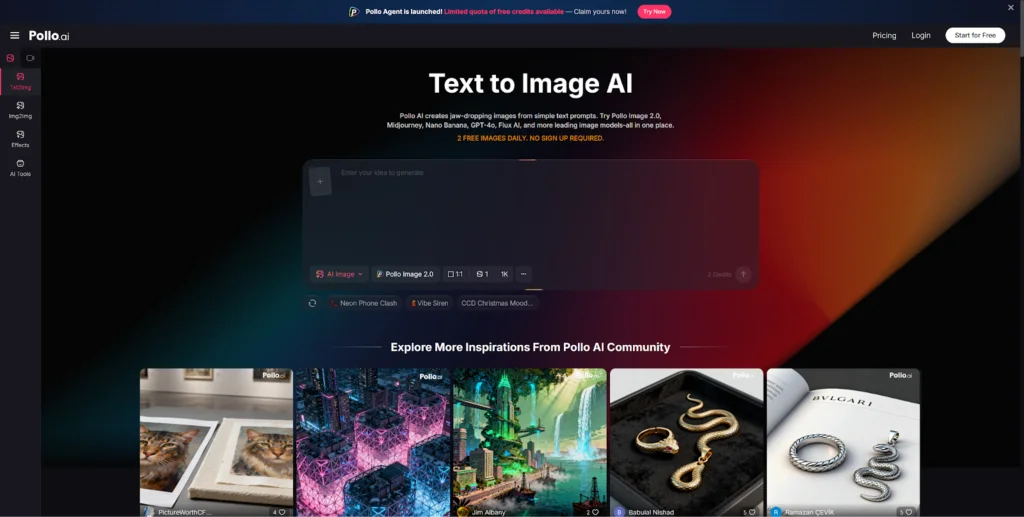
The early stage of any creative project is precious. It’s when directions are still open, assumptions haven’t hardened, and the wrong visual reference can send a team down a rabbit hole for days. Speed and flexibility matter more here than polish.
That’s where AI genuinely earns its place in a professional workflow.
Knowing how to use Pollo AI for concept art — generating rough visual directions, building mood board components, and exploring aesthetic options before committing — can compress what used to be a multi-day reference-gathering process into a focused hour.
Here’s how to do it without letting AI slow you down instead of speed you up.
What AI Is Good at in Early Ideation
AI image generation is at its most useful when the goal is direction finding, not finished production. Specifically, it excels at:
- Style exploration: What does “moody and cinematic” look like for this project vs “bright and playful”? Generate both and compare.
- Direction-setting: Quickly visualize three or four completely different aesthetic routes before deciding which to develop.
- Reference generation: Can’t find the exact stock photo you need? Describe it and generate a near-match as a visual placeholder.
- Visual rough drafts: Get something on the screen early so the conversation with a team or client becomes concrete, not abstract.
The value here isn’t that the AI images are production-ready. It’s that they get everyone looking at something real, which moves the conversation forward faster than verbal descriptions or Pinterest boards assembled from unrelated images.
What AI Should Not Replace
Being clear-eyed about AI’s limits prevents wasted effort:
- Final brand system decisions. AI can explore visual directions, but it shouldn’t be making your core design language choices. That requires human judgment, client input, and strategic alignment.
- Deep art direction. An experienced art director brings intuition and editorial perspective that a well-written prompt can’t replicate.
- Production-ready design review. AI concept work needs significant refinement before it’s ready for production. Treating ideation outputs as final artwork creates problems downstream.
Use AI to open the door, not to walk through it by itself.
A Fast Concept Art Workflow
This five-step loop keeps AI ideation productive without turning it into an endless session:
1. Define one concept goal. Write down in one sentence what the output is for. “This mood board is for a sustainable skincare brand targeting millennial women” is more useful than “vibe.”
2. Generate variations, not perfection. Write three to five prompt variations representing meaningfully different directions. Generate a batch for each. You’re looking for candidates, not champions.
3. Save the promising ones. Don’t curate in real time. Generate a set, then step away briefly and return to choose. The slight distance helps you react more honestly.
4. Refine only the selected directions. Resist the urge to improve everything. Take one or two strongest candidates and iterate on those specifically — sharper lighting, adjusted color tone, cleaner composition.
5. Package for the conversation. Drop your curated set into a simple document or slide and frame each direction with a one-line description. This makes reviews faster and keeps feedback actionable.
This cycle can happen in under an hour for most early-stage projects.
When Hybrid Prompt-and-Photo Workflows Help
Some ideation processes benefit from a hybrid approach — starting with a reference photo or sketch and using AI to transform or extend it, rather than generating purely from text.
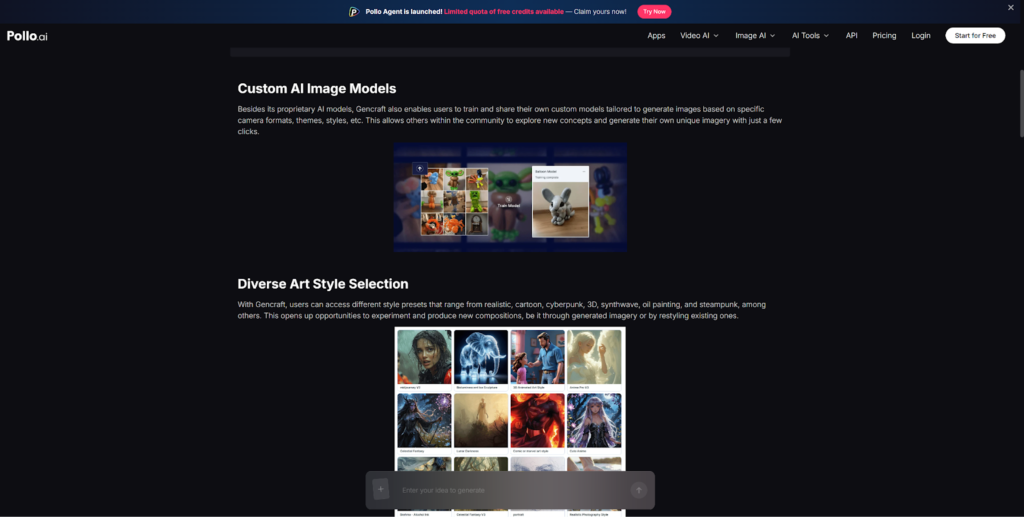
Gencraft AI offer this kind of photo-and-text hybrid input, which can be useful when you’re working from a visual reference that needs to be extended or translated into a different style. If the starting point is an existing image rather than a blank page, that flexibility matters.
For users who prefer a generation-first approach — building the concept from a written description and iterating through variations — Pollo AI keeps that process fast and clean. Both approaches have their place depending on where your starting point is.
Best Use Cases for AI Concept Art and Mood Boards
These project types benefit the most from AI-assisted ideation:
- Game mood boards: Quickly explore environment styles, character archetypes, and world-building visual directions before committing to a concept.
- Product storytelling: For new product launches, AI can generate lifestyle contexts and scene concepts that help stakeholders visualize a brand story.
- Campaign inspiration: Ad agencies, in-house marketing teams, and founders use AI-generated mood boards to align on a visual campaign direction before brief-writing.
- Creative pitches: Visual context in a pitch deck makes an idea land faster. AI-generated reference images get you there without relying on borrowed or mis-attributed imagery.
In all of these cases, the AI output is a starting point for human-led creative decisions — not a substitute for them.
Less Friction Means Better Creative Work
The faster you can get ideas out of your head and onto a screen, the more time you have to evaluate them thoughtfully. AI’s real contribution to the creative process is reducing the gap between imagination and visualization.
Pollo AI is a practical starting point for that kind of early-stage visual exploration. The next time you’re staring at a blank brief, try generating five visual directions before building the mood board. You’ll have something to react to in minutes.