

Listening on the move no longer has to mean sealing off the world around you. Open-ear audio devices leave the ear canal unobstructed, making it easier to hear a colleague, a station announcement, or a conversation without removing your headphones.
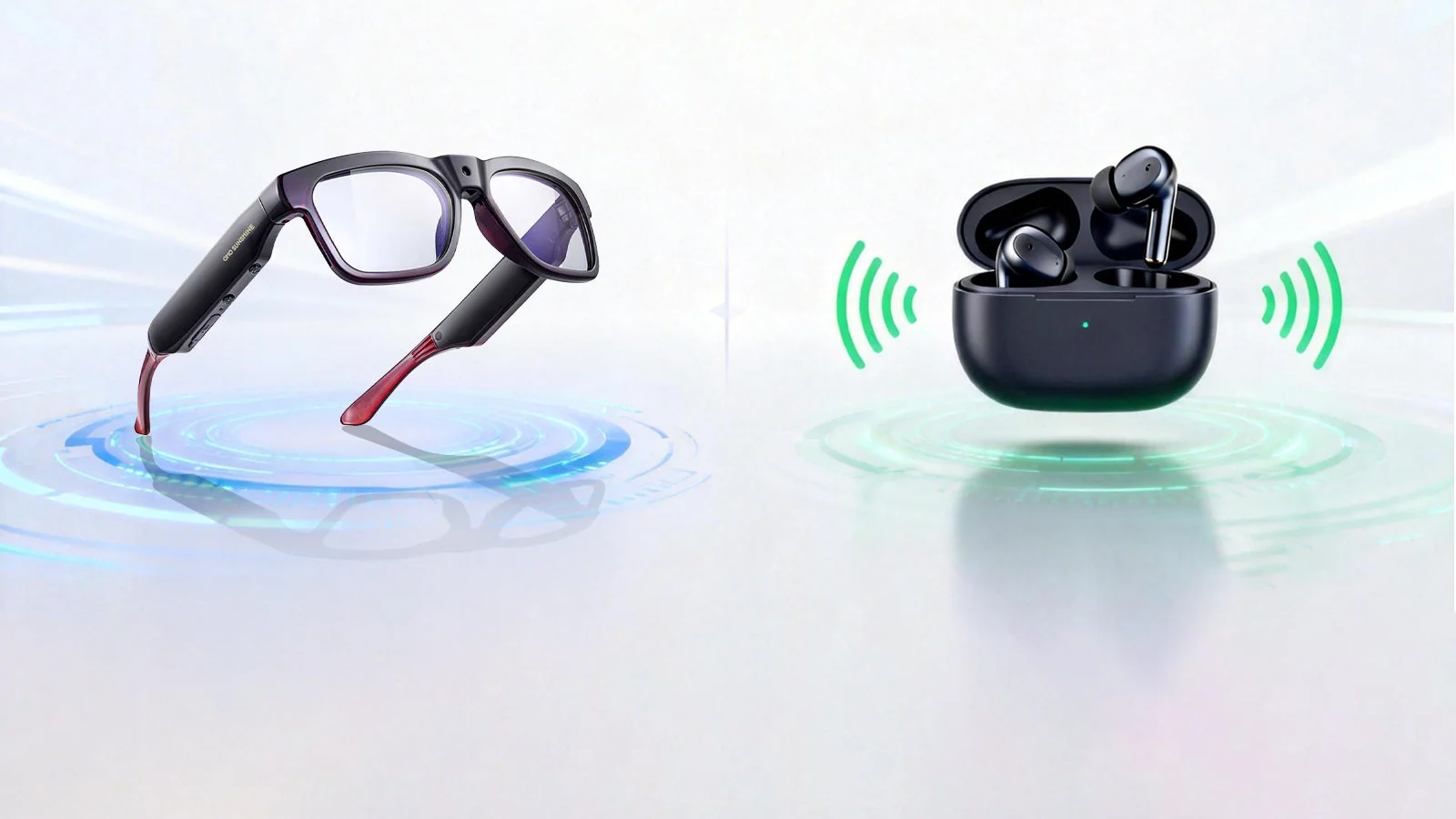
But open-ear audio is not a single product category. Ear-hook earbuds, clip-on designs, and speaker-equipped smart glasses all approach the same idea differently. The right choice depends less on which device looks most futuristic and more on where, when, and how you actually listen.
What Makes Open-Ear Audio Different?
Traditional in-ear earbuds use a seal to keep much of the outside sound out. That is useful on a plane or in a loud office, but it can feel isolating when you need to remain aware of what is happening nearby. Open-ear models position speakers outside the ear canal instead.
The practical advantage is awareness, not silence. You can hear audio while still picking up some sounds in your surroundings. The compromise is that traffic, conversations, and other environmental noise can compete with your music or calls. Open designs may also leak sound to people standing close by, particularly at higher volumes.
Those trade-offs are shared across open-ear products, although the way each device fits can make a substantial difference.
Open-Ear Earbuds: Flexible for Different Activities
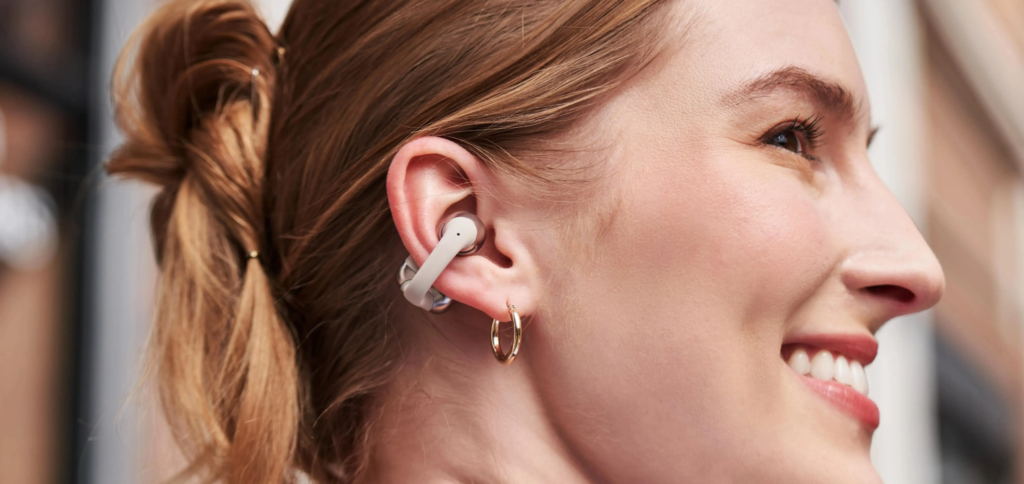
Dedicated open-ear earbuds typically come in two shapes: hooks that sit around the ear and clips that rest on its outer edge. Both keep the ear canal open, but they feel different during long listening sessions.
Ear-hook designs for movement
Ear-hook models can provide a secure fit for walks, outdoor exercise, and daily commutes. Stability, sweat resistance, and control placement matter more here than extra software features. If you wear glasses, check whether the hook and the glasses temple compete for space behind your ear.
Clip-on designs for lighter everyday wear
Clip-on earbuds avoid the upper-ear space used by many glasses frames. They can be comfortable for office tasks and casual listening, although the pressure point varies with ear shape. Neither style is universally better, which is why fit testing is worth the effort.
Smart Glasses: Audio Built Into Something You Already Wear
Audio-first smart glasses take a different approach. Instead of adding a separate device to the ears, they position small speakers in the glasses temples. For people who already wear eyewear throughout the day, that can reduce the number of accessories they need to manage.
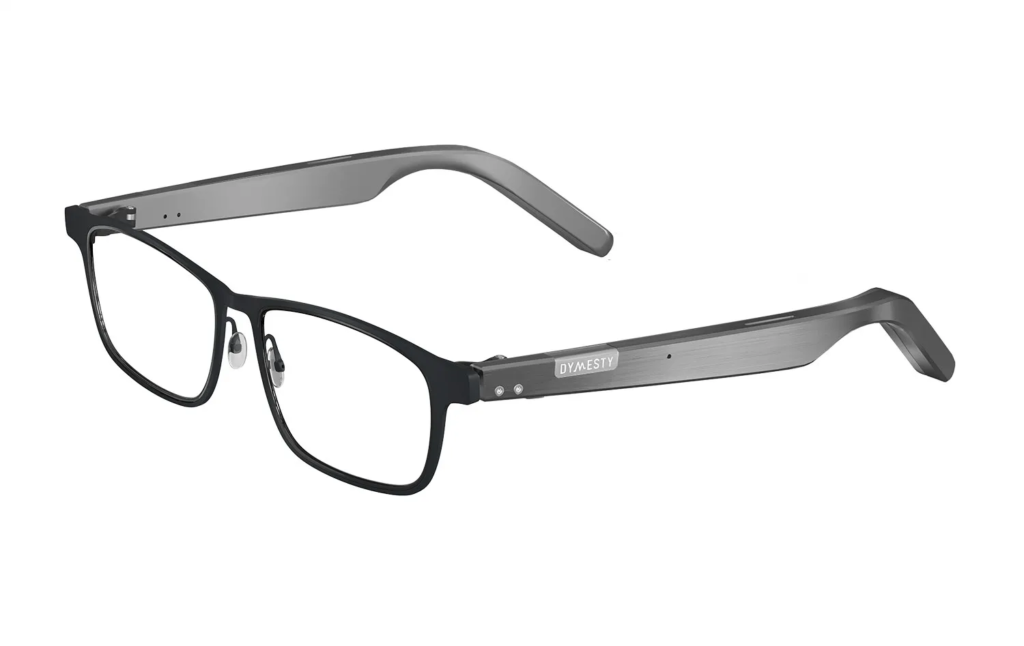
The Dymesty Cook Edge camera-free AI glasses are one example. The manufacturer describes a roughly 35-gram titanium frame with open-ear audio, hands-free calling, and AI features including transcription, meeting summaries, and translation. Prescription lens options are available, including single-vision and progressive lenses.
This combination makes more sense for a desk worker who frequently switches between calls and conversations than for someone shopping primarily for gym headphones. It also brings limitations: audio glasses need to be worn as glasses, are not designed to provide the isolation of sealed earbuds, and depend on a connected device or internet access for some AI functions.
Which Device Works Better in Real Life?
Workdays and video calls
If your day involves quick phone calls, short conversations, and repeated trips between desks or meeting rooms, either format can help you stay connected without blocking your ears. Audio glasses may be convenient for regular eyewear users. Earbuds are easier to remove or swap when you want an entirely different pair of glasses.
Microphone performance also matters. Check real call samples where possible, especially recordings made outdoors or in noisy rooms. A product having multiple microphones does not automatically guarantee clear speech.
Walking, commuting, and running
Open-ear listening can be useful when you want to hear people and everyday environmental cues. For vigorous running or workouts, a securely fitting, appropriately water-resistant earbud is often the more practical choice. Smart glasses are more naturally suited to walking, errands, and commuting while wearing eyewear.
Neither design makes listening automatically safe around traffic. Keep the volume low enough to hear critical sounds and follow local rules concerning headphones and mobile devices.
Busy trains, flights, and shared spaces
For a noisy train or flight, noise-canceling headphones or sealed earbuds generally have the advantage because open-ear devices cannot physically block much ambient noise. In a quiet shared office, by contrast, sound leakage may matter more than isolation. Moderate listening levels and realistic expectations are essential.
Five Questions to Ask Before Buying
A useful purchase decision starts with a short checklist:
• Will I wear this for hours, and does it remain comfortable with my glasses?
• Do I mainly need music, voice calls, exercise stability, or AI-assisted tasks?
• Can people nearby hear my audio, and how well does the microphone perform?
• What works offline, and which features require an app or internet connection?
• If a device can record conversations, how will I handle consent and privacy?
Battery claims should be checked against the tasks you actually perform. A quoted “typical use” figure is not the same as continuous music playback, calling, recording, or AI processing time.
The Bottom Line
Open-ear earbuds and smart glasses solve overlapping problems, but they are not interchangeable. Earbuds offer more flexibility for exercise and people who do not wear glasses. Audio-first smart glasses can be appealing when eyewear, calls, and hands-free assistance belong in the same daily routine.
The most useful device is the one that fits your habits without creating a new inconvenience. Start with comfort and real-world use, then let the features make the final decision.