


The first time I tried to pull a clean contact list out of a WhatsApp group chat, I gave up after twenty minutes and went to make coffee. The native app does not let you do this. It barely admits the data exists. And yet WhatsApp now has 3.3 billion monthly active users as of January 2026, with over 200 million businesses running real revenue through it. The gap between “where customers are” and “what you can extract” is huge. A WA group number exporter is what fills it. Below are what these tools actually do, how waexport.wadesk.io fits in, and the parts the product pages skip.
Why Businesses Care About WhatsApp Group Chat Data
Group chats are where deals start. Foreign trade buyers gather in sourcing groups. Cross-border sellers run VIP communities. Agencies stockpile leads inside niche topic groups.
The data inside those groups—names, numbers, and country codes—is the actual asset. Lose it, and you lose the audience.
Backups matter too. Accounts get banned without warning. If your business runs on one number and you haven’t exported the data, you start from zero.
Native chat exports give you a .txt file. That is not a CRM input. It’s a memo.
What Problems Native WhatsApp Tools Leave Unsolved
The WhatsApp Business app does not bulk-export group members. You tap each contact one by one. That is your option.
The Cloud API has a Groups endpoint, but it’s locked behind serious gates. You must have an official business account. Standard business accounts cannot access these WhatsApp Group API features. Each group can hold only 8 participants. For a community group of 200 or 1024 members, the API is useless.
Meta launched coexistence in 2026, which lets the business app and the API run on the same number. Helpful for messaging continuity. Group chats do not sync between the app and the API. So exports stay broken.
You’re left with two real options. Manual copy-paste, or a third-party tool.
How Waexport.wadesk.io Fits into the Workflow
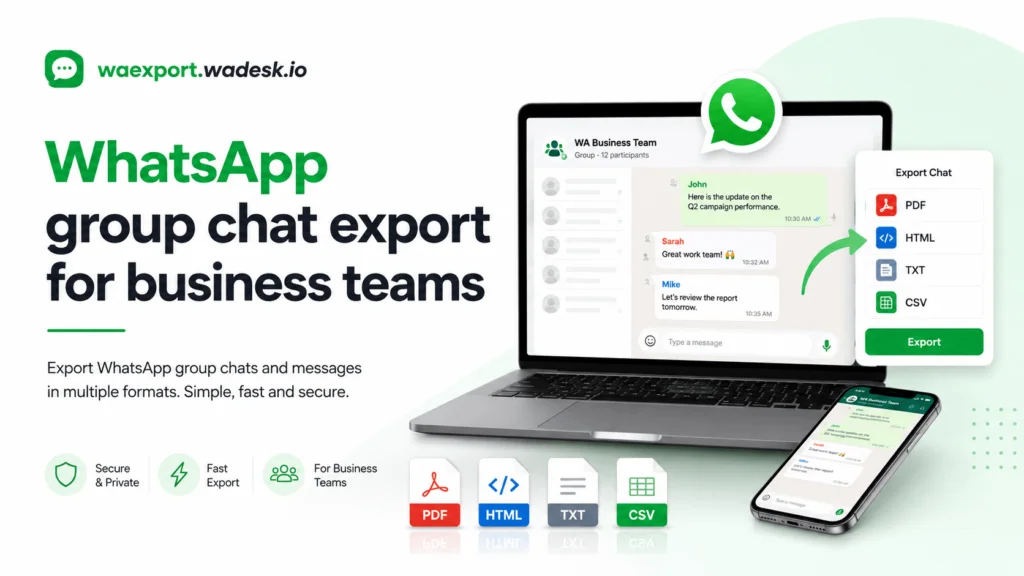
WAExport is a Chrome extension built by WADesk. It runs inside your browser on WhatsApp Web. Local, Secure, Private. Zero data collected. Its Chrome Web Store listing currently sits at a 4.9 average rating.
The flow is unceremonious. Open WhatsApp Web. Open the extension. Navigate to the ‘Group’ tab, choose your target groups (you can select multiple), toggle options like “Exclude Admins” if needed, and click Export. The data instantly downloads as an XLSX file.
It does the one thing the native app refuses to do.
I’ll be blunt. The tool is not affiliated with WhatsApp Inc. Bulk-exporting group members and then cold-blasting them is the fastest way to get a number banned. Use it for legitimate backup, CRM migration, or community management where you already have permission.
Key Features Business Buyers Look for
Group Member Extraction
The core feature. You select one group or many and then pull every member—including unsaved numbers—into a structured file. WAExport adds smart filters like “exclude admins” and country-code segmentation by phone prefix.
Contact Export to Spreadsheet or VCard Formats
Three formats cover almost every workflow. Excel and CSV drop into Salesforce, HubSpot, or Zoho. vCard files import to iPhone, Android, and Google Contacts. WADesk supports all three.
Fast Processing for High-Volume Groups
WhatsApp groups can hold up to 1024 participants. Exporting that by hand is a punishment. A working tool finishes in seconds and batches multiple groups in one run.
Simple Workflow for Non-Technical Teams
This matters more than buyers admit. Sales reps and ops managers don’t want a CLI or an API token. The bar is low and specific: right-click the avatar, click export, done.
If you’re shortlisting tools, the things that actually separate the good ones are local processing (no cloud upload), country-code filtering, support for Excel, CSV plus VCF in the same tool, and de-duping across overlapping groups. Anything missing one of those is a half-finished product.
Comparison and Decision-Making
I’ve watched teams burn weeks on the API path before realizing it can’t do what they need. Here’s the honest layout:
| Approach | Cost | Speed | Full group export | Compliance load |
| Manual copy-paste | Free | Painful | Yes, slow | On you |
| WhatsApp Cloud API (Groups) | Per-message + verification | Fast | No, 8 members max | Meta-managed |
| WAExport extension | Free tier + paid | Fast | Yes, 1024 members | On you |
| Custom scraper script | Dev time | Variable | Yes | High risk |
Most teams I’ve worked with land on the browser extension. The API path is technically more legitimate, but it solves the wrong problem.
Conclusion:
WhatsApp’s native app and official API make bulk-exporting group contacts nearly impossible. To bridge this gap, businesses rely on secure browser extensions like WAExport to instantly convert group member lists into CRM-ready formats like Excel, CSV, and vCard. While these tools eliminate hours of manual data entry, companies must use the extracted data responsibly for legitimate backups or migrations—not spam—to avoid immediate account bans.